Fermentrack 2 Backup/Restore Support
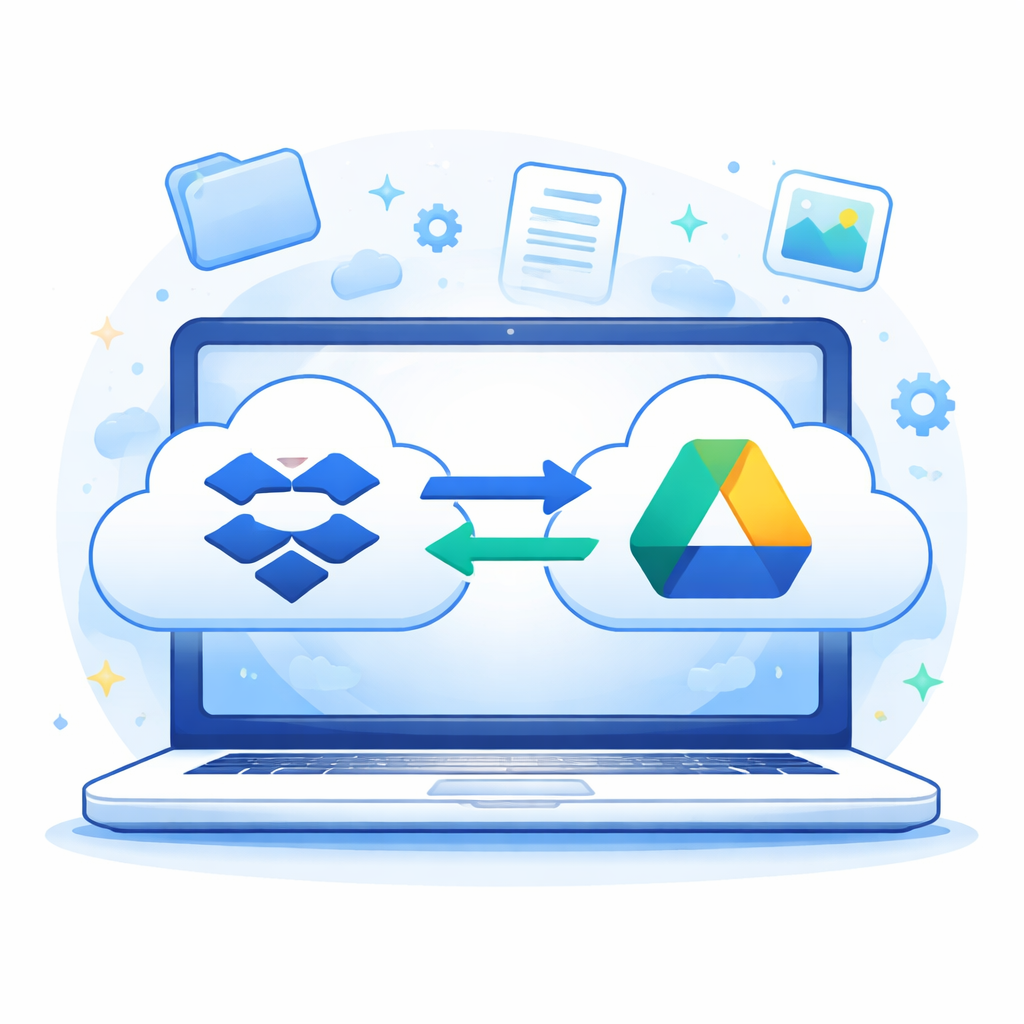
This week, I am releasing backup & restore support for Fermentrack 2, and Fermentrack.net.
As someone who has lost far too much data to corrupt SD cards, this feature is one that I've been excited to complete and get into your hands. Via this functionality, you can easily prevent data loss – either due to SD card corruption on a Raspberry Pi or due to a cloud service failure. This implementation also allows you to easily migrate from a cloud-backed installation of Fermentrack 2 (such as Fermentrack.net) to a local install – or from a local install to a cloud-backed one, making it easy to adjust as your needs change.
About the Backup Format
The backup itself is a .tar.xz archive, containing several files. The .xz compression format can be read by many programs including 7Zip on Windows, the built-in Archive utility on Mac OS (or The Unarchiver as an alternative), and using the tar -xf command on most Linux distros.
Each archive represents the data for a single Brewhouse. Inside the archive, you will find:
fermentrack_data.json- All your Fermentrack data (including sensors, controllers, and ferment log metadata) serialized to JSONdata/<uuid>.csv- Your saved ferment log data pointsferment_log_index.csv- A list of your Ferment Logs in CSV format along with their UUIDs
Although these files are not generally meant for human consumption, the ferment_log_index.csv file is provided in case you want to locate the data in a backup for a specific ferment – and don't want to have to load it into Fermentrack first.
What's Missing from a Backup
The backups contain almost all your Fermentrack data – the exception being anything linked to a specific user (as opposed to a brewhouse as almost all data in Fermentrack is stored). For now, this means that the only things explicitly not backed up are specific graph display preferences and cloud storage connection information.
How Fermentrack Restores Data
All objects in a backup have a universally unique identifier (UUID) associated with them, which is preserved during restoration with the sole exception of the Brewhouse. While the Brewhouse's UUID is present in the backup, it is not used during restoration, and is replaced with the brewhouse ID that is being restored into.
This has two implications for restoring data:
- You can restore a backup that you took from any instance of Fermentrack into any instance of Fermentrack. (In the new instance of Fermentrack simply create a new brewhouse and then restore your existing data into it)
- The objects you restore can only be restored into a single brewhouse within any instance of Fermentrack. (You cannot restore your local Fermentrack's data into two separate accounts on Fermentrack.net, for example)
One advantage of this approach is that it allows using a second copy of Fermentrack as a backup: when restoring the target Fermentrack instance will not duplicate data from a previous restoration.
Automatic Backups & Cloud Storage Providers
One feature new to Fermentrack 2 is the ability to create automatic backups of your data, and store them on a cloud storage provider like Google Drive or Dropbox. This helps ensure that you do not lose data if a cloud-hosted instance goes down (see: my server crashes and all my backups fail).
Currently, both Dropbox and Google Drive are supported, and both use "app scoped" folders, meaning that they can only see/touch a single, segregated folder from the rest of your
Due to the way that cloud storage providers authenticate, this feature requires additional setup – and may not be able to be leveraged by users hosting Fermentrack 2 locally. Although the code will be available as part of Fermentrack 2, Google Drive (as an example) requires that services using their OAuth workflow be hosted somewhere publicly accessible on a routable domain.
What about OneDrive?
Speaking of OAuth - unfortunately, Microsoft requires that you be a Microsoft Partner in order to set up their OAuth workflow for publicly available services, meaning that in order for Fermentrack to offer OneDrive integration, I would need to pay to become a Microsoft partner. While I'm happy to pay for things I use or things that interest me, I have a Google Drive account, and therefore can't justify trying to jump through Microsoft's hoops.
(Side note - Microsoft isn't particularly clear here, so it's possible that I misunderstood something, and this is actually something that could be easily set up. If you think that there is a path forward that I'm not seeing, please reach out!)
Fermentrack 2 Development & Backups
In developing the backup features for Fermentrack, I've tried to keep an eye towards future features to come, and ensure that extending the backup functionality is simple.
Info for future Fermentrack 2 Developers
To enable backup/restore support for a new model, simply apply the BackupMixin to the model itself, and then configure BACKUP_FIELDS as a list of fields on the model to be backed up. Then, to actually cause it to be added to the backup, update BackupRequest._collect_backup_data sto call collect_objects on your model.
To restore a model, simply add the model as a new phase in RestoreRequest.process_fermentrack2_backup after any phases that load objects your model depends on, and before any restore phases for objects that depend on your model.
Reminder about Brewhouse IDs and UUIDs
All models that we want to back up to Fermentrack should have id = models.UUIDField(primary_key=True, default=uuid.uuid4, editable=False (ie. have a UUID as their primary key). All models must also link back to a Brewhouse – either directly or by linking via a ForeignKey to an object that links to a Brewhouse - and must not link via a ForeignKey to a User. The restore functionality is designed to detect how to trace ForeignKey relationships back to an object that links to a Brewhouse and will ensure proper ownership during restoration.
Conclusion
With backup/restore functionality now complete, we are one step closer to making Fermentrack 2 a platform where your data truly belongs to you. Whether you’re safeguarding against hardware failure, migrating between local and cloud installs, or simply sleeping better knowing your fermentation history is safe, this feature lays an important foundation for long-term trust and flexibility.
As Fermentrack 2 continues to evolve, backups will serve as a cornerstone that future features can confidently build on—making it easier to extend the platform without putting existing data at risk. As always, feedback is welcome, and if you run into issues or have ideas for improving the backup workflow, I’d love to hear from you. Onward to the next feature.